You're live. Here's the tour.
One 5-minute walkthrough of how leads actually move through your pipeline, then we run a live test together and switch the ads on. Your calendar and alerts were handled back in Step 3, so there is nothing left for you to set up here.
Before we switch anything on
Quick check that Step 3 actually landed, because these are the two things that silently break a launch:
- Your calendar and your video-call tool both show as connected
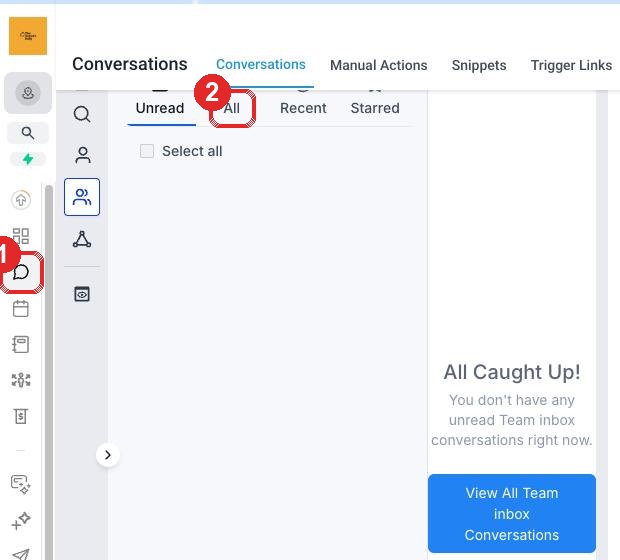
- LeadConnector is on your phone and notifications are allowed
If either is missing, go back to Step 3 first. It takes four minutes and it is the difference between a lead booking a real meeting and a lead booking a meeting with no joining link that nobody gets told about.
We test it before you rely on it
We push a real enquiry through the whole system and watch it land: the contact appears, the opportunity lands in New Enquiry, the alert reaches your phone and your inbox, and the follow-up email goes out. You will see the evidence rather than take our word for it. We do this before a single euro of ad spend runs.
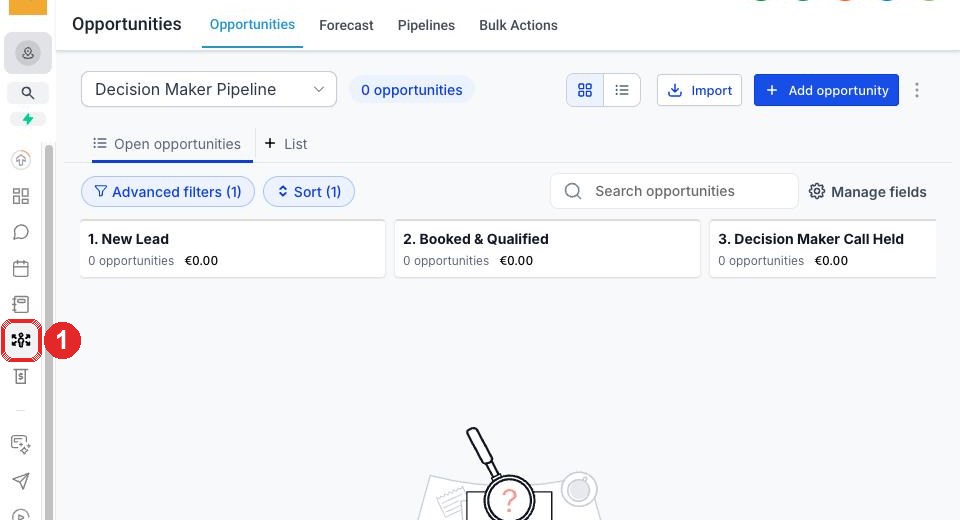
The full pipeline walkthrough
You're done.
Your CRM is now live. Your ads are queued. The moment a lead fills your form, they appear in the New Lead column of your pipeline. From there, the system follows up automatically, books them on your calendar, and pings you so you can have a real conversation when they're ready.
What to watch in the first 7 days
Your dashboard, every Monday morning
- New leads this week — should track with your ad spend
- Booked & Qualified count — how many real meetings are sitting in your calendar
- Calls held — your actual show-rate
- Won — money you have closed
If any of these numbers feel off, that's the conversation to bring to our monthly review.
Common questions on going live
When will my first lead actually land?
Once Steps 1, 2, 5, and 6 are done on your side and your ads are running, leads typically start within 24 to 72 hours. Some land within the first hour, some take a couple of days depending on industry, budget, and how quickly Meta finishes its learning phase on your campaign.
What if a lead is bad fit? Do I have to deal with them anyway?
No. Drag them to Lost in the pipeline. The system stops following up automatically. We review lost leads monthly to spot patterns and tighten the qualifier questions in your ads so fewer bad fits get through over time.
Can I edit the follow-up emails the system sends on my behalf?
Yes. All the automated emails sit in your CRM under Marketing → Emails → Templates. We've written them in our voice as defaults. Most clients leave them as-is, some tweak the tone over time. Anything you change there fires on the next lead.
What if I get too many leads and can't keep up?
Good problem. Three levers. One, tighten the qualifier questions in the ads so only better-fit leads reach you. Two, raise the booking calendar minimum lead time so you have more buffer. Three, reduce ad spend temporarily. Pull any of these by replying on your onboarding thread and we'll adjust within a day.
What if I get zero leads in the first week?
Pause. We'll have already noticed and be running diagnostics. Common causes: Meta still learning (give it 5 to 7 days), audience too narrow (we widen it), creative not connecting (we refresh), or tracking misfire. We surface the cause and the fix on our weekly check-in. You don't need to escalate.
More FAQs in the full FAQ section.